

QR codes are everywhere today—on business cards, flyers, posters, menus, product packaging, and invoices. They bridge the gap between the physical and digital world, allowing users to access information with a simple scan.
However, not every QR code performs equally well. Small design or placement mistakes can make a QR code difficult—or even impossible—to scan. By following a few simple best practices, you can ensure your QR codes are reliable, professional, and effective.
1. Make It Large Enough
A QR code should always be easy to scan.
As a general guideline:
- At least 2 × 2 cm (0.8 × 0.8 in) on business cards or flyers
- Much larger for posters, banners, or shop windows
The greater the scanning distance, the larger the QR code should be.
2. Use High Contrast
Black on a white background remains the safest option.
In general:
- Dark QR code
- Light background
- Avoid similar or low-contrast colors
Colored QR codes can work perfectly as long as the contrast remains high.
3. Don't Cover Important Areas
Many companies add their logo to the center of a QR code. While this creates a professional appearance, it should be done carefully.
A logo that is too large can reduce scan reliability. Always use proper error correction and test the QR code on multiple devices before publishing it.
4. Test Before Printing
One of the most common mistakes is printing thousands of QR codes without testing them first.
Always scan your QR code using:
- Android smartphones
- iPhones
- Different QR code scanner apps
This ensures it works reliably under real-world conditions.
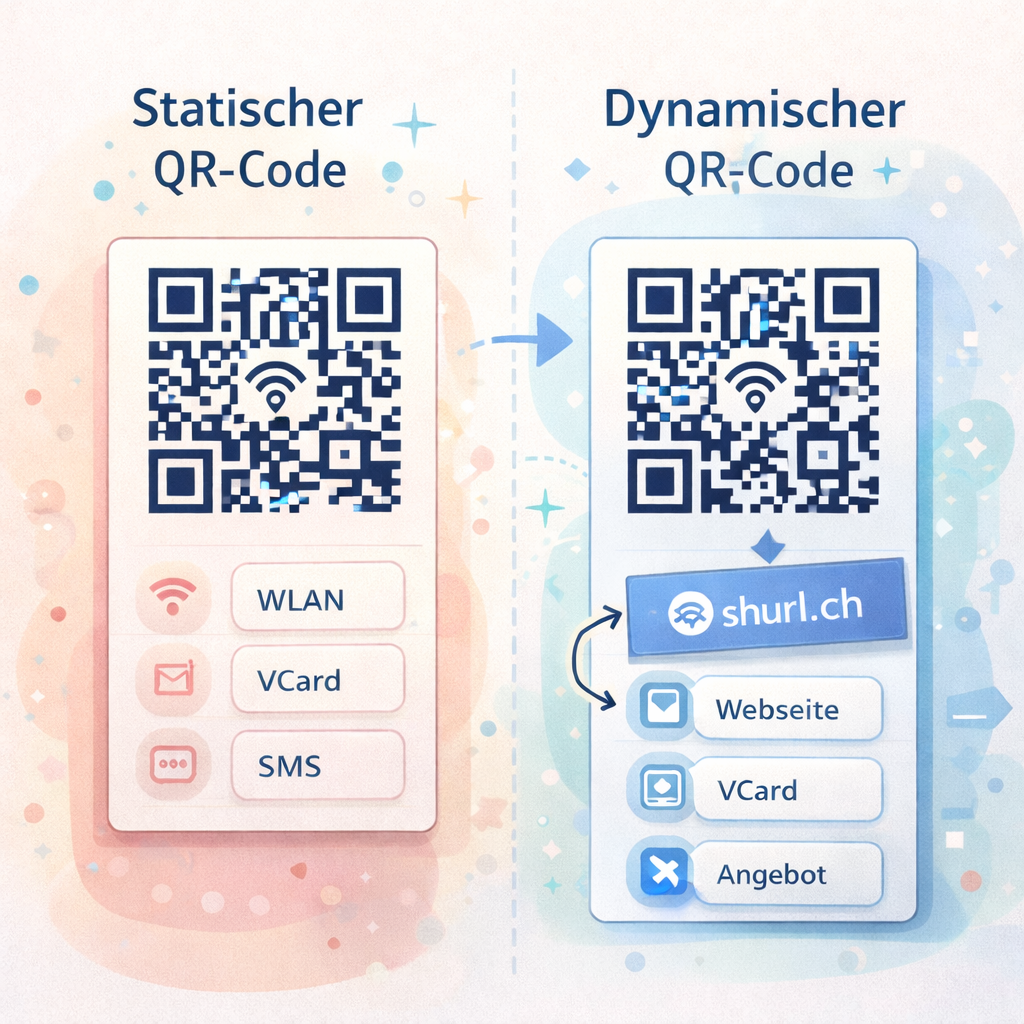
5. Static or Dynamic?
Static QR codes are ideal for information that never changes, such as:
- Wi-Fi credentials
- Digital vCards
- Phone numbers
- SMS messages
- Email addresses
If you're linking to a website, landing page, product, or marketing campaign, a dynamic QR code is usually the better choice.
With a dynamic QR code, you can:
- Update the destination anytime
- Track scan statistics
- Optimize marketing campaigns
- Keep using the same printed QR code
6. Choose the Right Placement
Place your QR code where people can easily see and scan it.
Typical applications include:
- Business cards
- Flyers
- Brochures
- Product packaging
- Shop windows
- Trade show booths
- Invoices
- Restaurant menus
- Company vehicles
Avoid placing QR codes where they are difficult to reach or poorly visible.
7. Add a Clear Call-to-Action
A QR code alone doesn't tell people why they should scan it.
A simple call-to-action significantly increases scan rates.
For example:
- Visit our website
- Save our contact
- Claim your discount
- View the menu
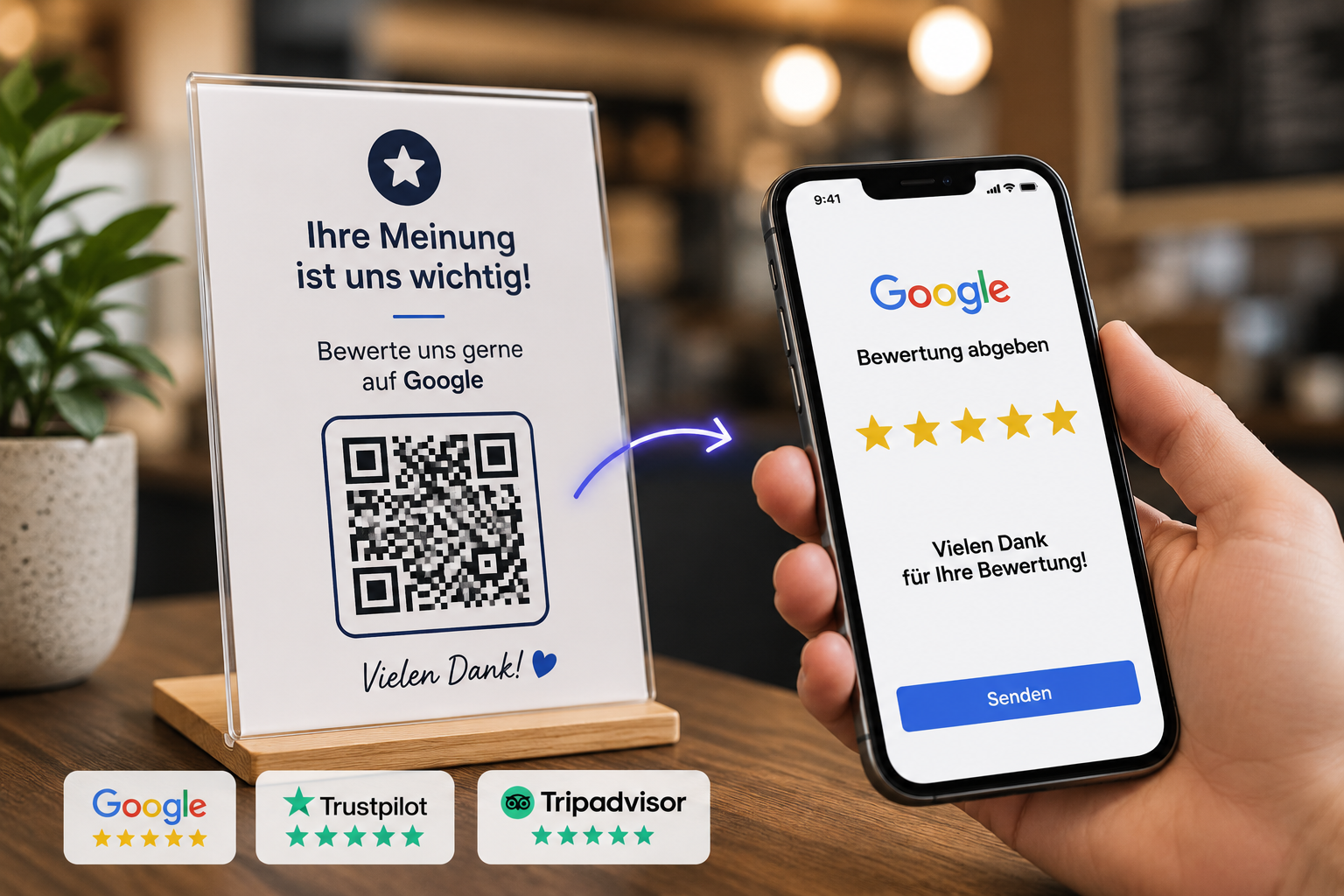
- Leave a review
- Download now
This immediately tells visitors what to expect.
Conclusion
A great QR code is more than just a pattern of black squares. Size, contrast, placement, and choosing the right type of QR code all influence how successful it will be.
With shurl.ch, you can create professional static and dynamic QR codes that are easy to manage, look great, and—when using dynamic QR codes—provide valuable scan statistics to measure the success of your campaigns.